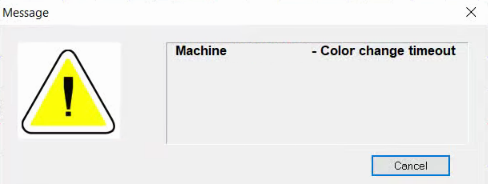
This error means the Needle Case did not move as expected during a color change on an Original Amaya (Big Red) model, follow the steps below to resolve the error. If you are receiving this message while using a different model machine, you will need additional technical assistance. Here are the available Melco Technical Support options.
- Delete the Jobs And Machines Folder.
- Refresh the Melco Software Registry.
- Physically verify the Color Change is on index by hand, and the machine is at head up.
- The Color Change Motor might need replacing. Verify Color Change Motor Replacement information.