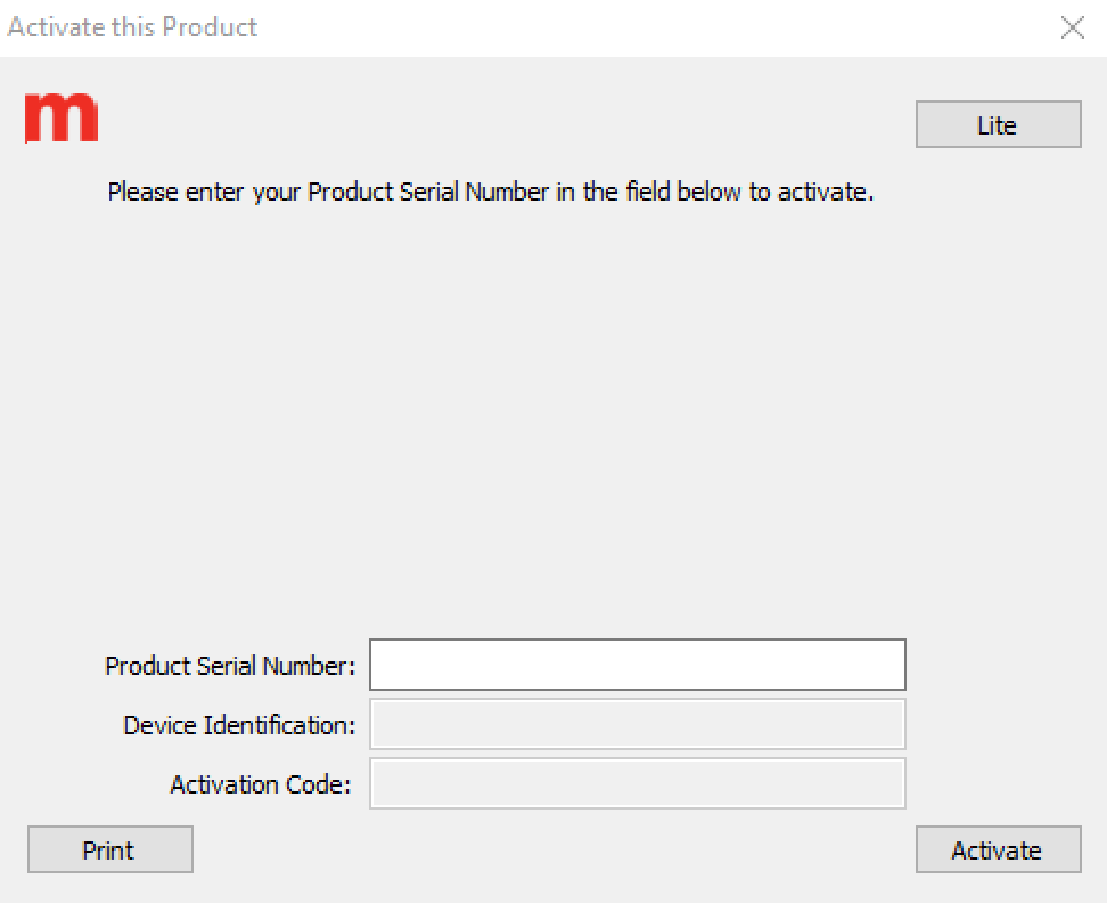
Activation:
- Enter the Product Serial Number. You can find this on the back of the DVD case.
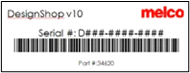
- If you need to Activate/Deactivate the software on a computer that does not have internet access, you'll need the Device Identification code, enter that code at https://activation.melco-online.com/.
- For Melco OS and Bravo OS with ‘C Package’, if your machine was purchased before March of 2018, you might have a Security Dongle, make sure the Dongle is plugged in.
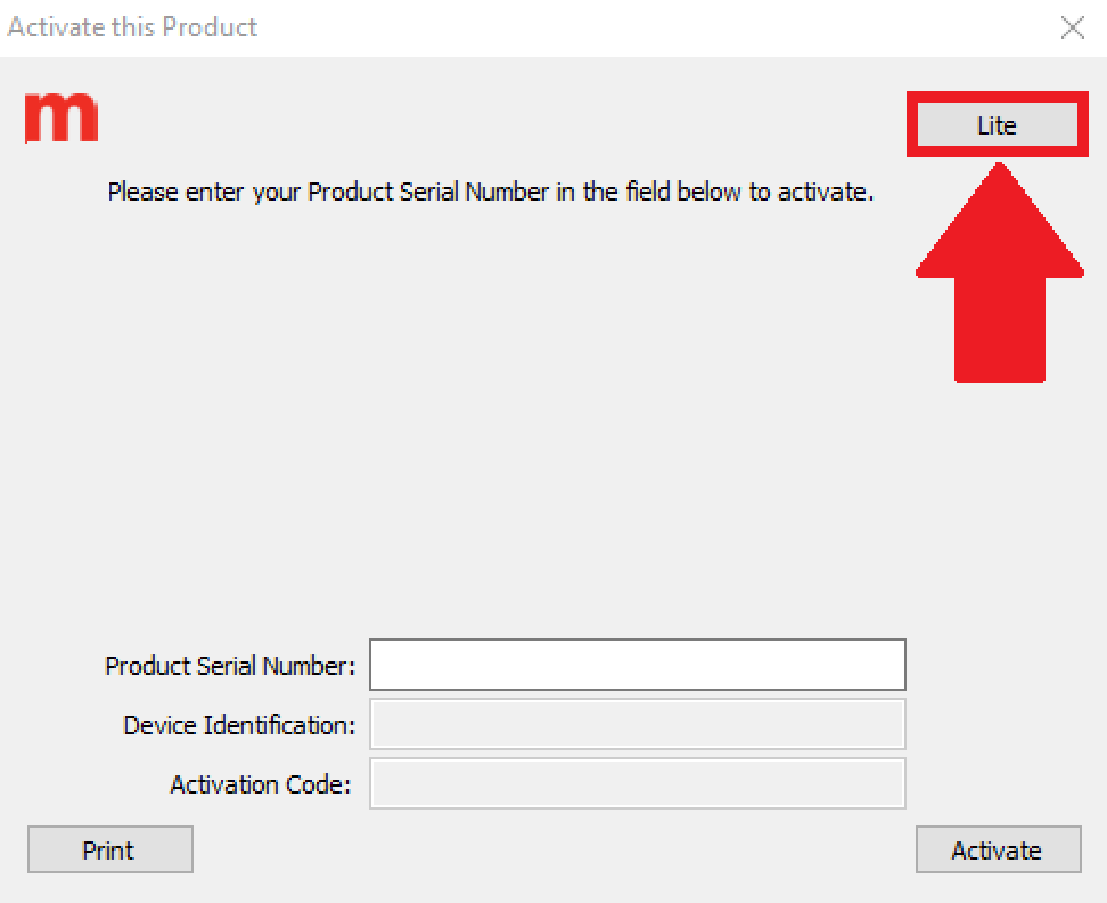
- For Bravo OS with ‘A or B Package’ purchased before March of 2018 a security dongle or serial number is not included. If you see the activation message, click the Lite button.
Troubleshooting:
- You must be logged in to Windows as a user with Administrator Rights to Activate/Deactivate and use the software.
- If your dongle is plugged in and you see the ‘Please enter your Product Serial Number in the field below to activate’, this means your computer is not recognizing the dongle. Follow the USB Security Dongle Not Recognized article to fix this.
- If an error message is displayed, follow the steps in the appropriate article:
- If you receive any other errors, you might need additional technical assistance. Here are the available Melco Technical Support