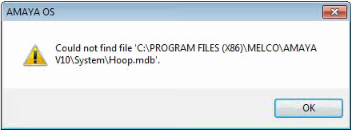
If you are encountering this error, follow the steps below. Open and test AMAYA OS between each step to see if the issue is resolved:
- Uninstall and Reinstall the Operating Software.
- If you need additional technical assistance, here are the available Melco Technical Support options for a Registry Refresh.