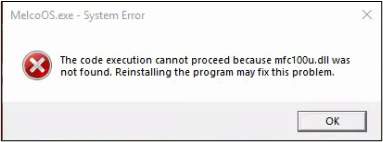
If you are seeing this error your computer likely has a corrupt file, follow the steps below to resolve the error.
- Uninstall and Reinstall the Operating Software.
- Uninstall and Reinstall DesignShop.
- If the situation remains unresolved, you will need additional technical assistance. Here are the available Melco Technical Support options.