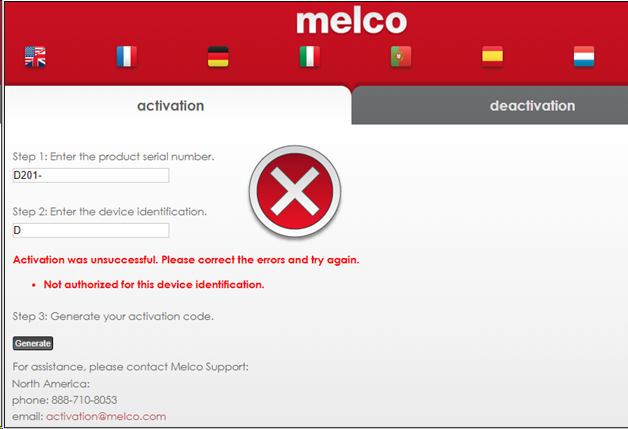
If the computer you want to use the software with has internet access, do not try activating manually on the activation website. Instead, try closing and then reopening the software to activate it directly through the on-screen prompt. You might get the error ‘The Product Serial Number Has Been Activated On Another Device.’ If you do, follow the steps in that linked article.
If the computer you want to use the software on does not have internet access and you are getting the message ‘Not authorized for this device identification’, follow the steps below.
- Make sure the product Serial Number is typed in correctly.
- Some devices might not support the activation. For example, if you are trying to access the activation website from a Linux computer, access the activation website on a Windows computer instead.
- Deactivate the license on the original computer before trying to activate it elsewhere.
- If the license is not currently activated on another computer, you can email your request for assistance to: activation@melco.com and include the Product Serial Number (virtual license) that you are trying to Activate, your Melco Customer ID (if available) and your contact information, along with a brief description of the situation you are encountering.