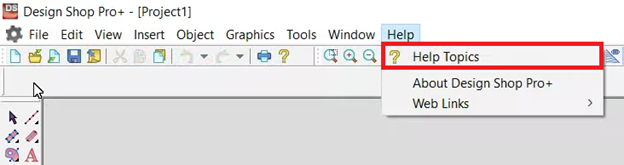
If you click Help > Help Topics and nothing opens, your computer is most likely unable to open .pdf files with default settings, follow the steps below.
- Restart your computer. Try to open Help Topics in the software again.
- Right-click any .pdf file and click Open with > Choose another app. Check Always use this app to open .pdf files and select your internet web browser. Try to open Help Topics in the software again.
- The contents of the Help Topics are also available online here for each machine model or DesignShop version.
- If the situation remains unresolved, you will need additional technical assistance. Here are the available Melco Technical Support options.