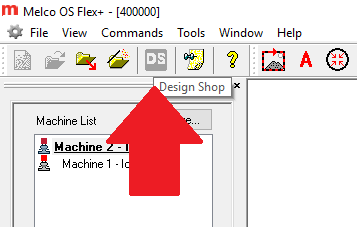
If the "DS" (DesignShop) button is grayed-out in the Operating Software (Melco OS or AMAYA OS) follow the steps below:
1. Make sure that the DesignShop program is installed and can be launched/run successfully. If it is not running successfully, that will need to be corrected first.
2. Uninstall the Operating Software and then DesignShop.
3. Reinstall the Operating Software first, and then reinstall DesignShop.
4. If the situation remains unresolved, you will need additional technical assistance. Here are the available Melco Technical Support options.