When Activating DesignShop v11, it is required that the Windows computer is logged in with a user account that has Windows Administrator permissions. After the Activation has been completed, DesignShop v11 can then be run by a standard user in Windows (non-Administrator).
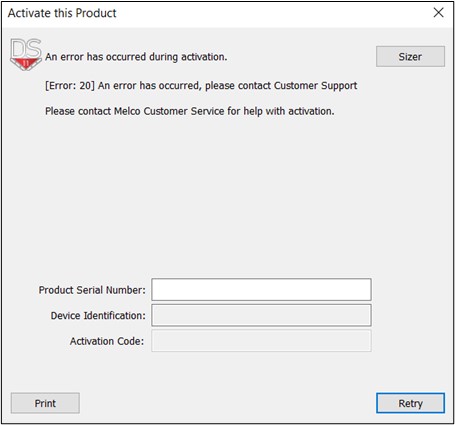
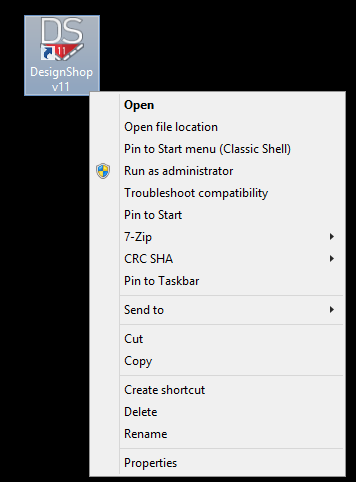
If you receive an [Error: 20] when trying to Activate the DesignShop v11 Product Serial Number while logged in with Windows Administrator permissions, you may need to launch DesignShop v11 using the "Run as administrator" option. Right-click the DesignShop v11 icon on the Windows Desktop and choose "Run as administrator".
That is also the resolution for the error "The Microsoft Jet Database engine cannot open the file "C:\Program Files (x86)\Common Files\Melco\Hoops\Hoop.mdb"
Resolution:
If you receive a message that the "Product Serial Number has been activated on another device", please follow the steps in that support article.