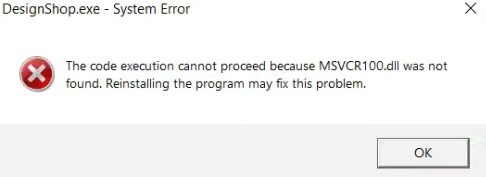
or
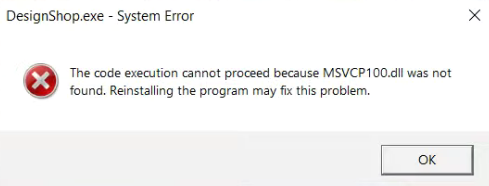
Before following the steps below check for similar errors, for example: The code execution cannot proceed because mfc100u.dll was not found.
This error can occur when launching DesignShop v10 if a Windows installation of Visual C++ 2010 did not load successfully.
This can be manually loaded from the DesignShop installation DVD or downloaded installer by going to the following location within the installer:
\prd\gUtil\vcredist_2010
Run the following programs located in that folder:
vcredis_x64.exe
If problems persist, another version of Visual C++ 2010 might already be loaded in Windows' Programs and Features. Uninstall the previous version and then load the above programs again.