If you have been provided with a Melco software download link, here are the step-by-step instructions on downloading, extracting, and installing the software:
1. Click on the download link provided to you via email.
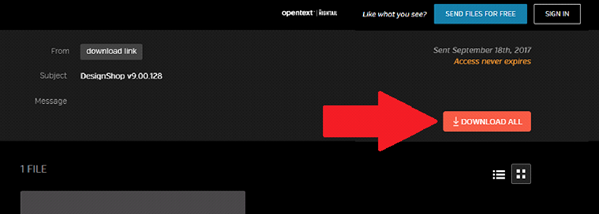
2. Click the DOWNLOAD ALL button.
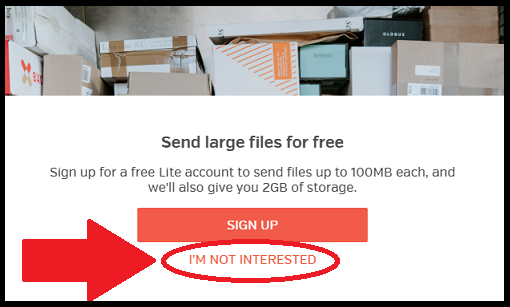
3. If you are prompted to Sign Up - click "I'M NOT INTERESTED"
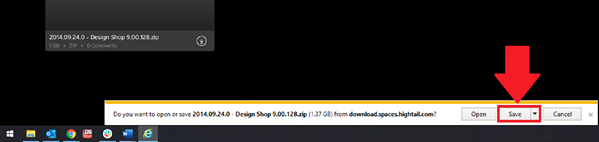
4. Save the File.
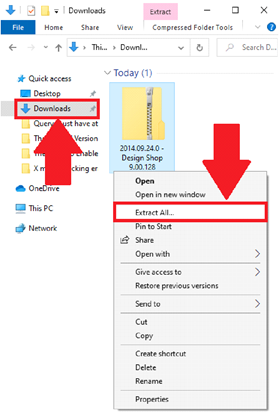
5. After the Download is finished, go to the folder within Windows that the file was downloaded to (typically your internet browser's default file download location).
6. Right-Click on the downloaded file and Extract it.
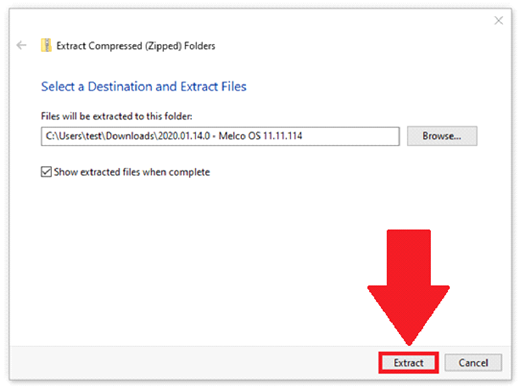
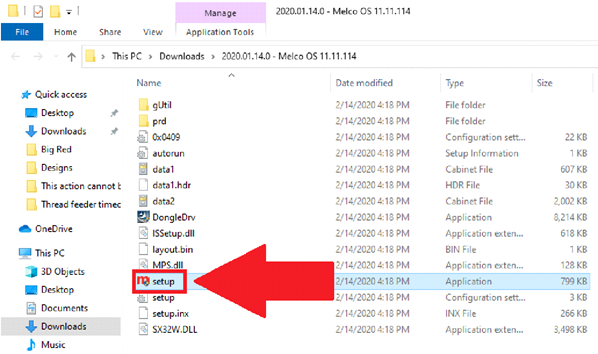
7. Inside of the extracted file, Run the ‘setup’ Application.
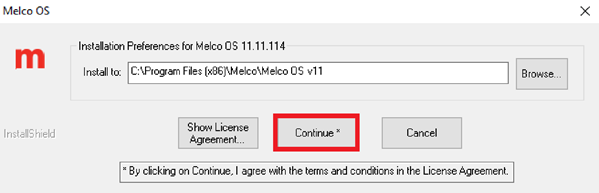
8. Click Continue.
9. Click Finish.
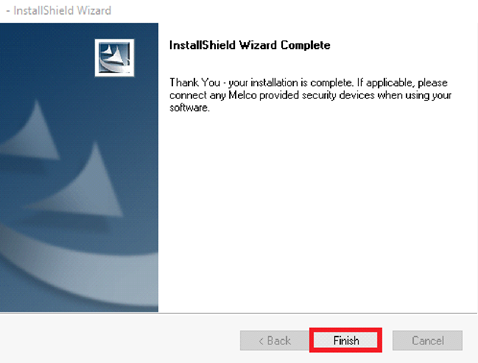
10. The software installation is complete.