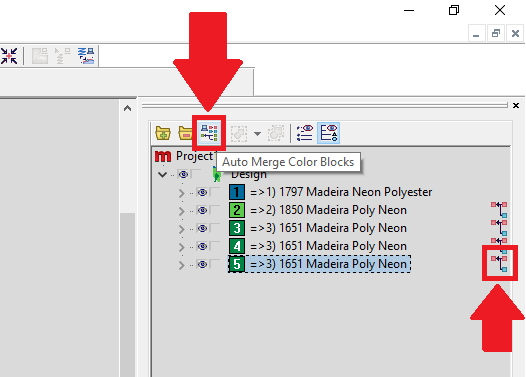
This article applies to these Operating Software programs: Melco OS, Bravo OS, AMAYA OS and Bernina OS:
If your Operating Software is showing more color changes in the Color Sequence than are listed in DesignShop, this could be due to an Unnecessary Trim at the start or end of an element in DesignShop.
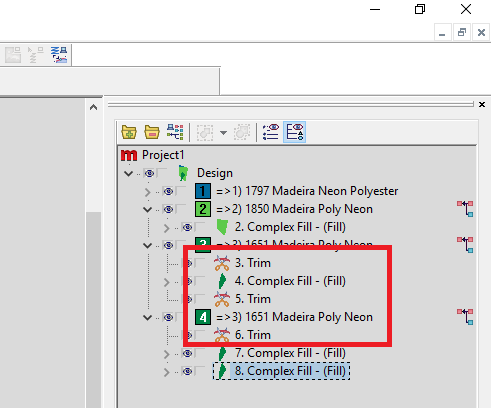
To resolve this issue, Remove The Trims. Or, you might need to Merge Color Blocks or Auto Merge Color Blocks.
Merge Color Blocks will merge the color you select and the next one up if they are the same color. The colors must match exactly for the merge to work.
Auto Merge Color Blocks will combine all consecutive colors in the design if the colors match exactly.