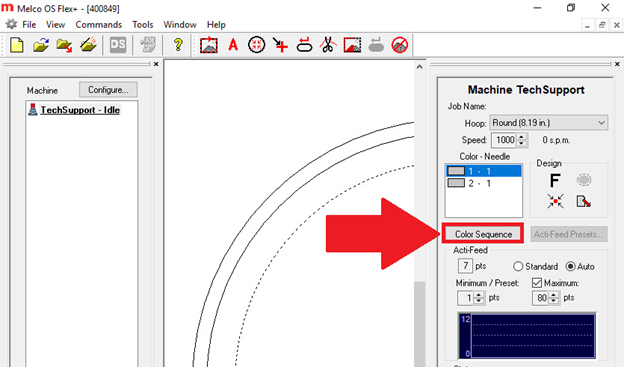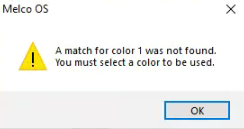
This message means your Operating Software is set to ask for colors in the Color Sequence to be loaded manually if they don’t match the colors in the design.
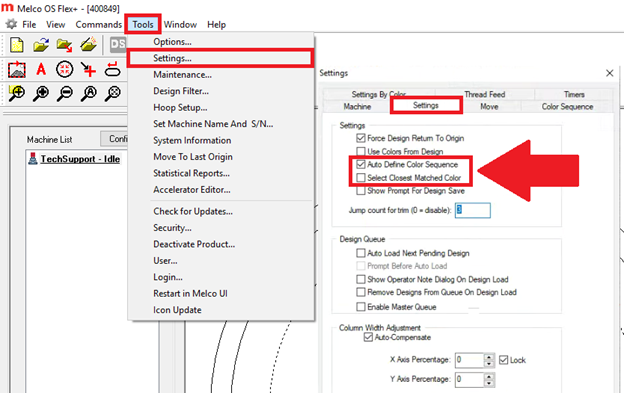
You can turn this off by going to Tools > Settings… > Settings Tab > Uncheck Auto Define Color Sequence.
Alternatively, if you check Select Closest Matched Color the software will automatically choose the next closest color in your Color Tree instead of displaying the message.
You can still edit the sequence manually by clicking the Color Sequence button even if the above settings are checked.