If you encounter the following error when sending a design to the Melco machine, you may need to reset the name and serial number of the machine:
Error Message: <<filename>> contains an incorrect path.
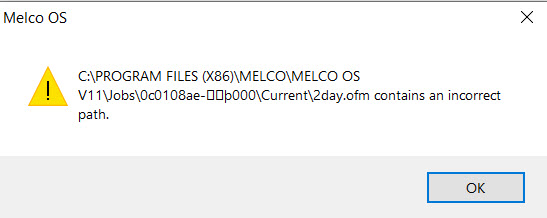
Follow these instructions to set the machine name and serial number to valid values:
Within the Melco OS, Bravo OS, or AMAYA OS program:
Go to Tools >> Set Machine Name and S/N.
a. Change the machine name from the default to a name of your choosing.
b. Change the serial number from the "invalid" number to a valid serial number (e.g. 123456).
c. Click on Set >> Next.