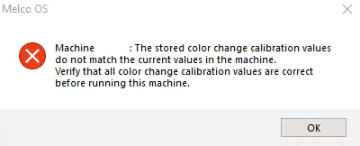
If you receive the message "The stored color change calibration values do not match the current values in the machine. Verify that all color change calibration values are correct before running this machine."
Perform the following:
Open the Operating Software and turn the machine on.
Choose: Tools - Maintenance - Calibration - Set Table - OK
